
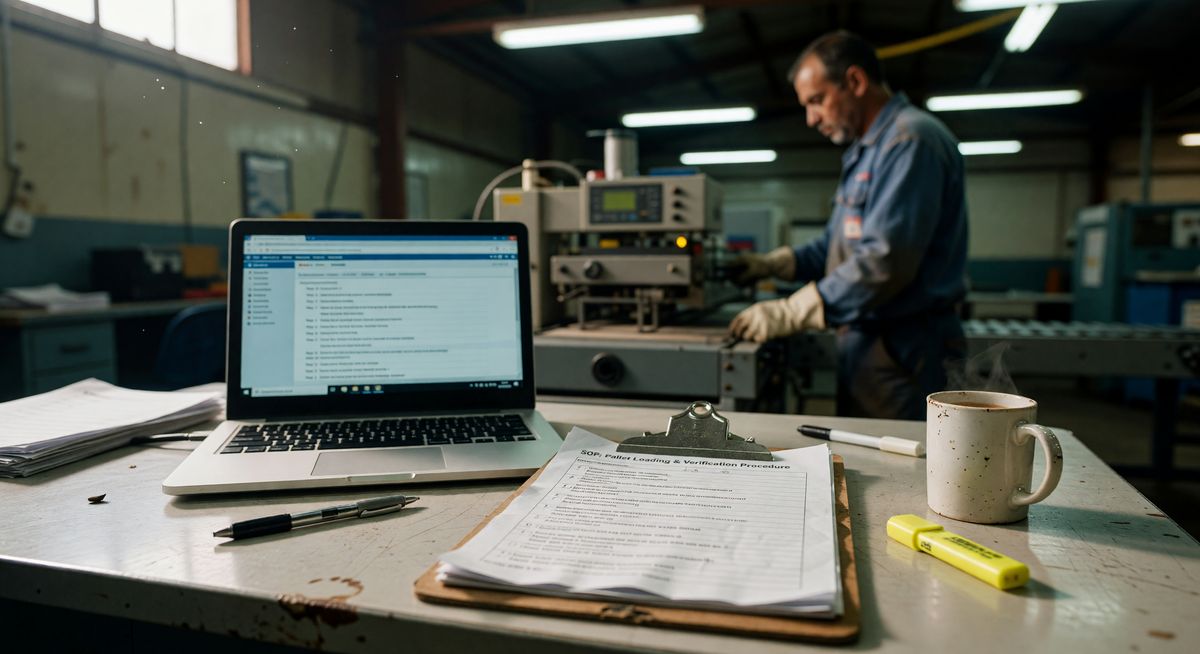
What's an SOP?
An SOP is a written set of steps that tells someone how to do a task. That's it. No mystery. You write it once so everyone does the job the same way.
A good SOP has:
- Numbered steps anyone can follow
- Photos so there's no guessing
- Names so you know who does what
- A plan for when things go wrong
You don't need to be a big company to benefit. If your team does the same task twice, write it down.
Why bother?
Consistency
Without an SOP, everyone does things their own way. The morning shift handles receiving one way. The evening shift does it differently. The new hire wings it.
Small differences add up. You get quality issues, safety risks, unhappy customers.
An SOP fixes that. One process. One way. Every time.
Faster onboarding
Most training looks like this: an experienced person walks the new hire through the same procedures they've already explained to the last five people. Hours gone.
With an SOP, the new hire reads the steps and follows along. Day one. Your experienced people stay productive.
Compliance
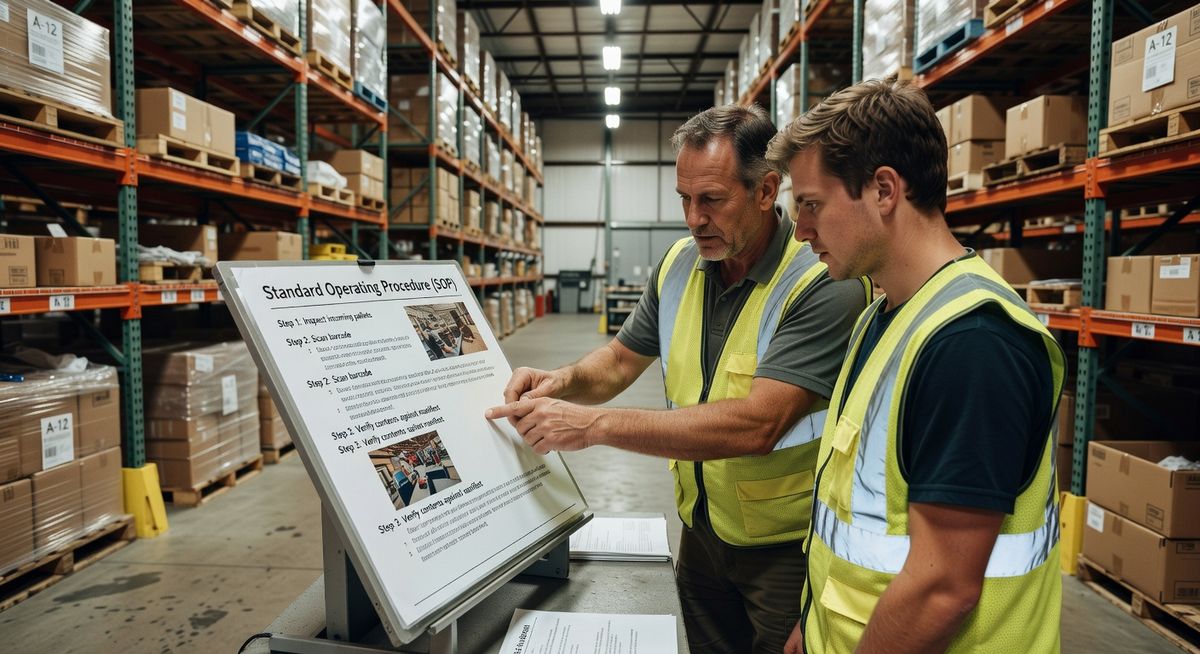
When an auditor asks "how do you make sure this gets done right?" the answer "we trained them" isn't enough. An SOP is proof. A checklist on top of it proves someone actually followed it.
Keeping knowledge alive
Your best worker knows every trick and shortcut. But that knowledge lives in their head. When they leave, it leaves with them.
An SOP saves what they know in a format that sticks around.
What makes a good SOP?
Make it visual
Nobody reads walls of text on a warehouse floor. The best SOPs have photos at every step. Workers glance at it and know what to do.
Put it where the work happens
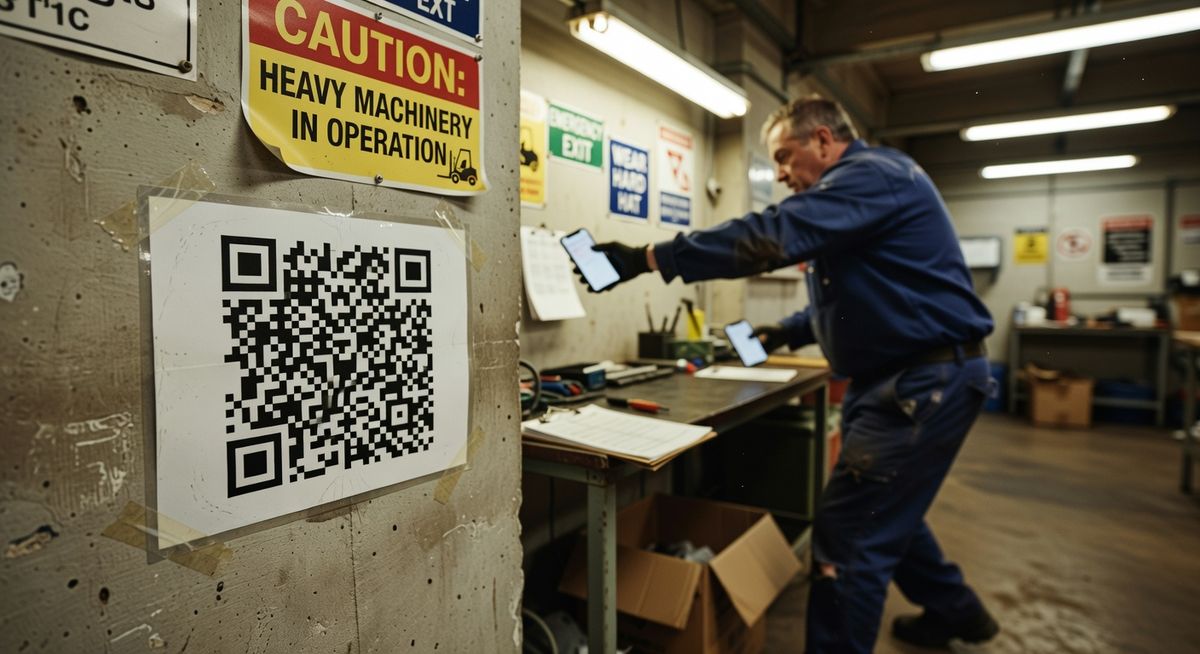
An SOP buried in a shared drive is useless. Print it. Post it. Stick a QR code on the wall. Put it on a shared tablet at the workstation. If workers can't reach it in 5 seconds, it won't get used.
Be specific
Bad: "Inspect the shipment."
Good: "Check all pallets for crushed corners, water stains, or broken seals. If you find damage, take a photo and fill out a discrepancy report before unloading."
Tell them what to do. What to look for. What to do if something's off.
Keep it short
40 steps? That's two SOPs. Break long processes into smaller ones. A receiving SOP, a stocking SOP, and an inventory SOP are easier to follow than one giant document.
How to create an SOP
The old way (slow)
Most SOPs get made like this:
- A manager writes the process from memory
- Formats it in Word or Google Docs
- Maybe adds screenshots
- Uploads it to a shared drive
- Hopes someone finds it
This takes hours. It's boring. It gets pushed to next week. And the result is usually a text-heavy document nobody reads.
The fast way. Start with video
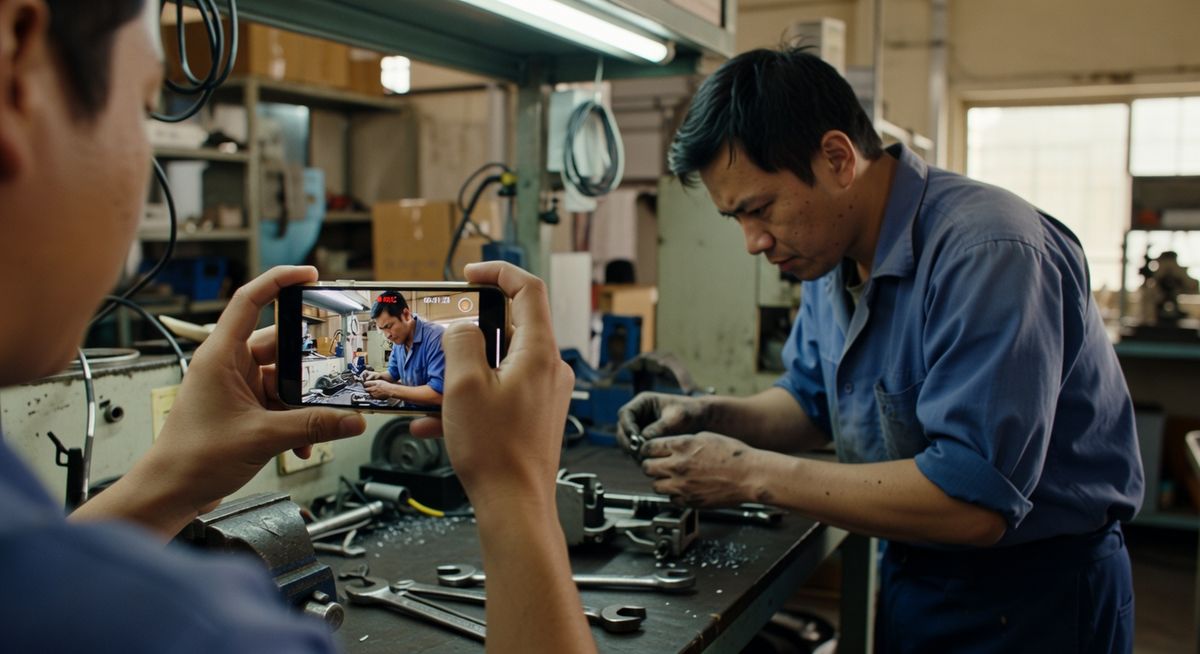
Instead of writing from scratch, record the process and let software do the rest.
Here's how it works with BoFlow.
- Record. Open the app on your phone. Walk through the process like you're showing a new hire.
- AI builds the steps. It watches the video and creates numbered steps with screenshots. You don't write anything.
- Edit and share. Tweak the wording if you want. Share it as a link, QR code, or PDF.
What took hours now takes minutes. And because the SOP comes from a real recording, it's accurate. Not someone's best guess from memory.
Where to start
Don't try to document everything at once. Pick three:
- The task new hires always struggle with
- The process that causes the most rework
- The question your experienced staff is tired of answering
Write those first. See the difference. Then do the next one.
Ready to make your first SOP? Start free with BoFlow. Record a video, get a step-by-step guide in minutes.